
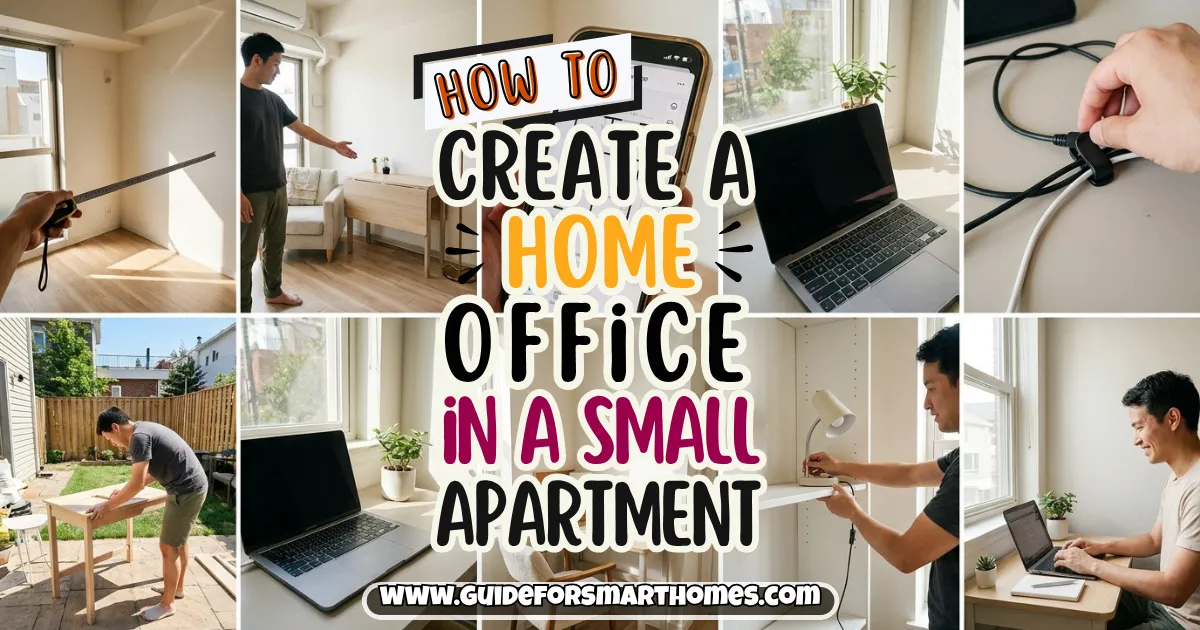
For my first four months working from home, my “office” was the couch with a laptop balanced on a pillow. By week three my lower back hurt, by week six I couldn’t tell when work ended, and by month four I’d answered a client email from bed at 11 p.m.
more times than I want to admit. The apartment was 520 square feet, and I kept telling myself there was simply no room for a desk.
There was room. I just hadn’t looked at the space the right way. Learning how to create a home office in a small apartment mostly comes down to three things: choosing the right spot, picking furniture that fits the footprint, and building a boundary so work doesn’t swallow the rest of your home.
You don’t need a spare bedroom, and you don’t need to spend much. If your place is tight overall, my small apartment decorating ideas guide is a good foundation before you start moving furniture.
Below are 16 steps, from deciding what kind of office you need to the finishing touches that make you want to sit down and work. There’s a location comparison table in the middle, a budget table near the end, and FAQs.
Everything here is renter-friendly, and I’ve kept the advice general because every person’s work setup and body are different.
1. Figure Out What Kind of Office You Actually Need
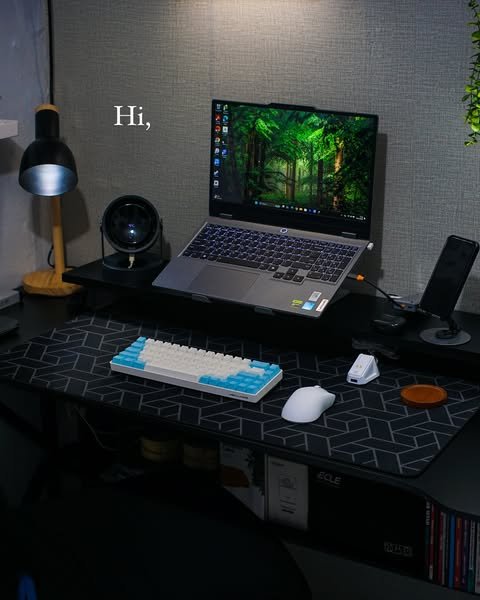
Before buying anything, be honest about how you work. Do you spend eight hours a day on video calls, or a few hours a week answering emails? Do you need two monitors, a printer, or just a laptop? A full-time remote worker and an occasional freelancer need very different setups, and buying for the wrong one wastes money and floor space.
Write down the three things you do most while working and the equipment each requires. That short list tells you whether a tiny fold-down desk is enough or you need a proper workstation.
Pro tip: Track one normal work week before deciding. I assumed I needed a big desk, then realized I did most of my work on a laptop and only needed a monitor for two tasks. That saved me about $200 and a lot of floor space.
2. Choose the Best Spot in Your Apartment
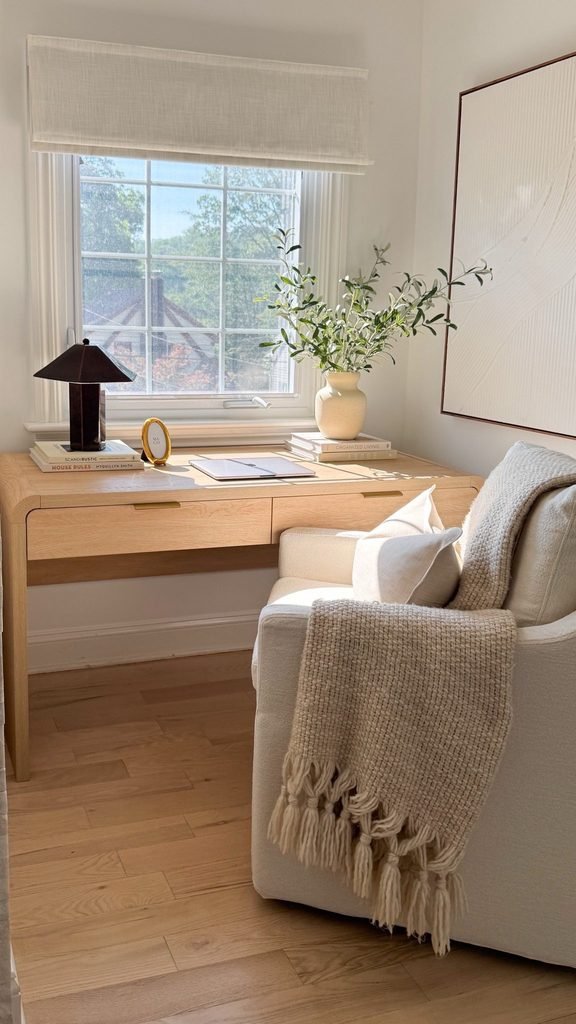
Location decides almost everything else. The best spot usually has natural light, a nearby outlet, and some distance from your bed and your TV.
Look at corners of the living room, the end of a hallway, an alcove, a wide closet, or even a section of the bedroom that you can visually separate.
Home Office Locations Compared
| Location | Pros | Cons | Best For |
|---|---|---|---|
| Living room corner | Often has the best light and space | Work is always visible from the couch | Remote workers with a decent living room |
| Bedroom nook | Quiet, private | Blurs sleep and work | Studios and one-bedrooms with limited options |
| Closet office | Hides completely, fully closable | Small, needs ventilation and light | Laptop-based work and tight apartments |
| Dining table or kitchen counter | No extra furniture needed | Must be packed away daily | Occasional or flexible workers |
| Entry or hallway wall | Uses dead space | Noise and foot traffic | Narrow layouts, short work blocks |
If you live in an open layout, my guide on how to zone a studio apartment shows how to carve out a work area without walls.
3. Pick a Desk That Fits the Space, Not Just the Style
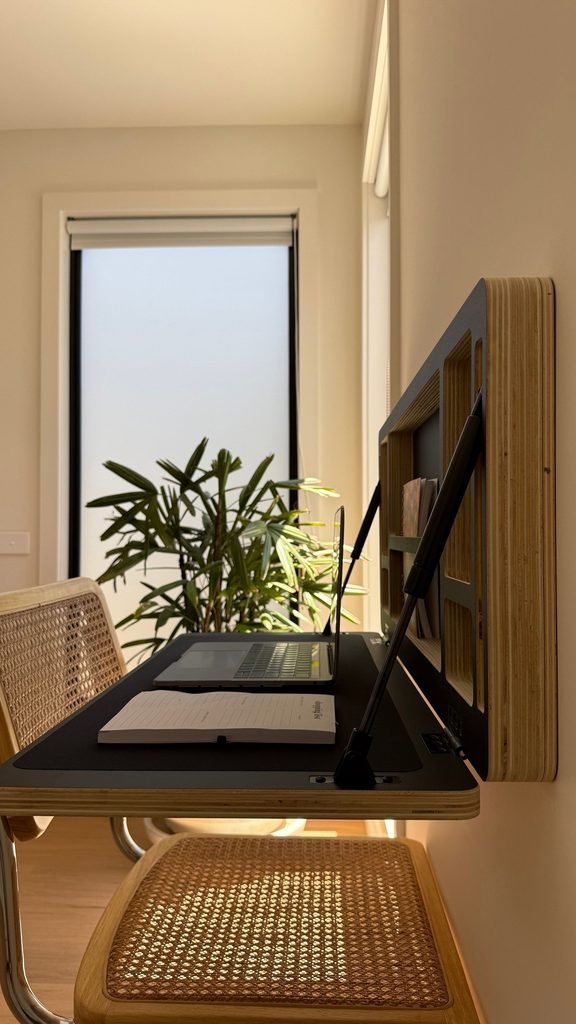
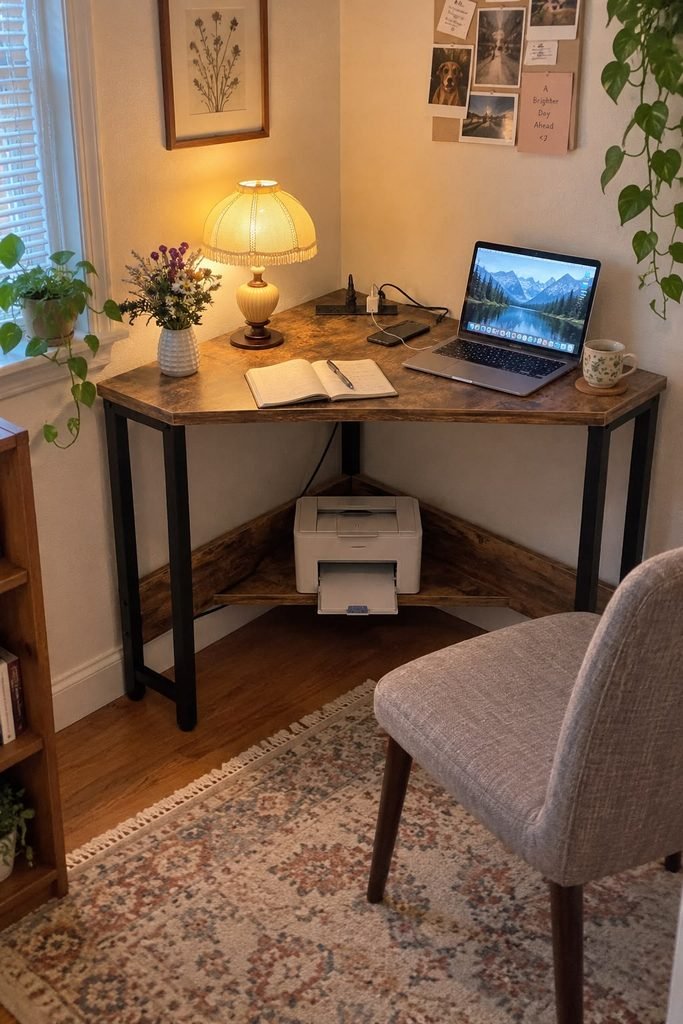
The right desk depends on your spot. A narrow console desk works along a wall, a corner desk makes use of an awkward angle, a fold-down wall desk disappears after hours, and a secretary desk with a drop-front hides the whole setup behind a closed panel.
Measure the space and leave room for a chair to pull out and move.
Look for a desk depth of at least 20 to 24 inches for a laptop, and more if you use a monitor.
Avoid a desk with a bulky modesty panel or drawers on both sides if floor space is tight. My multi-functional furniture guide covers pieces that serve double duty, like a console that’s also a desk.
4. Spend Your Money on the Chair First
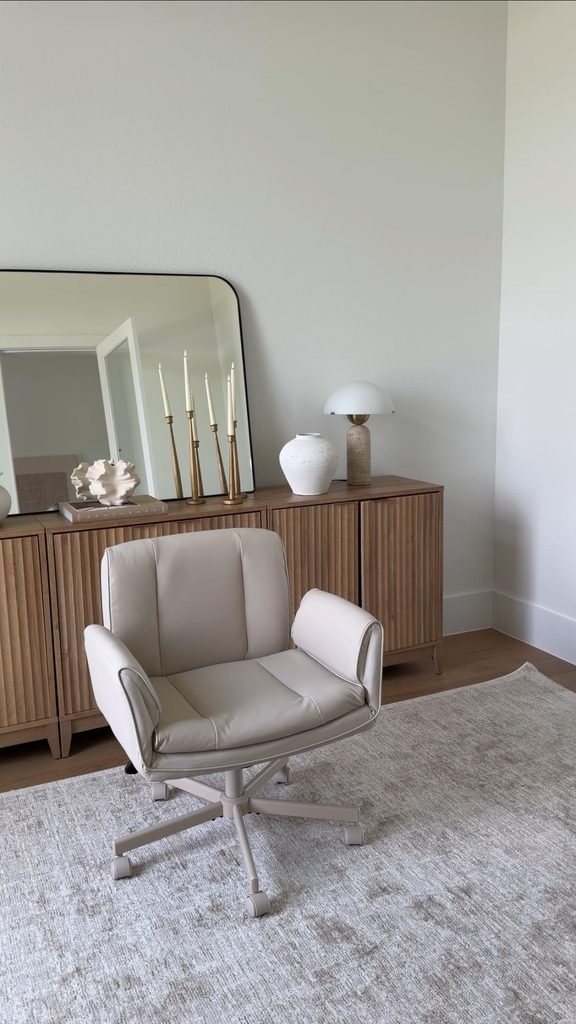
If you only upgrade one thing, make it the chair. You sit in it for hours, and a bad one can make every day uncomfortable. Look for adjustable seat height, decent lumbar support, and a seat depth that suits your legs.
Many people find that a good secondhand office chair is a much better value than a cheap new one.
A friend of mine, Nia, bought a used ergonomic chair for about $90 and said it changed how she felt at the end of the day more than any desk upgrade.
If you can, try sitting in it for a few minutes before buying. Everyone’s body is different, so what works for one person may not work for you, and if you have persistent pain it’s worth asking a professional.
5. Get Your Screen and Keyboard Height Right
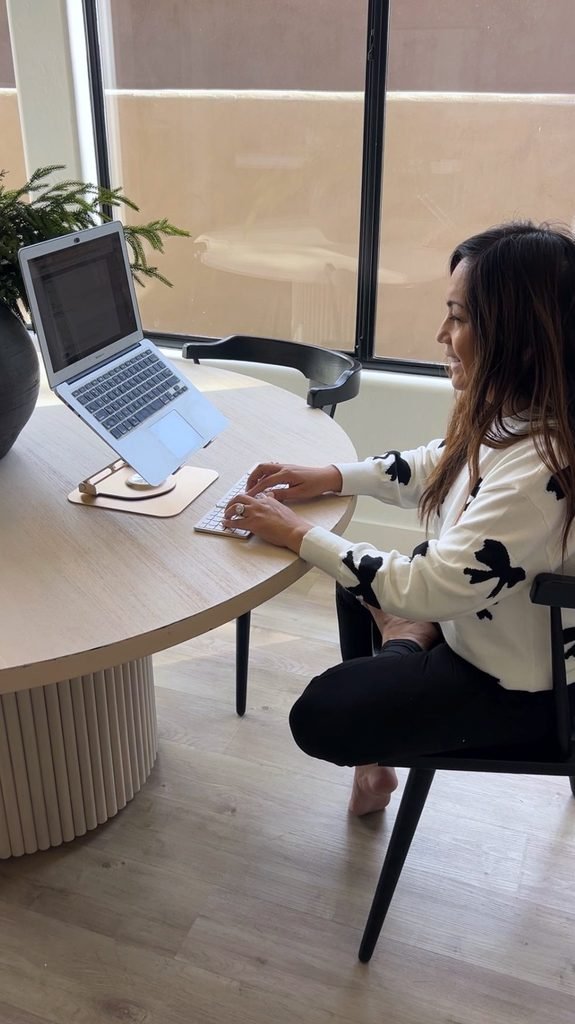
A common setup mistake is using a laptop flat on a desk, which pulls your head forward and your shoulders up. A simple laptop stand and a separate keyboard and mouse let you raise the screen closer to eye level and keep your arms in a more relaxed position.
A stack of sturdy books works as a free stand.
As a general guide, many people aim for the top of the screen near eye level and elbows bent at roughly a right angle, with feet flat on the floor or a footrest. It’s not a rule for everyone, but it’s a good starting point if you’re stiff by the end of the day.
6. Fix the Lighting Before You Buy Decor
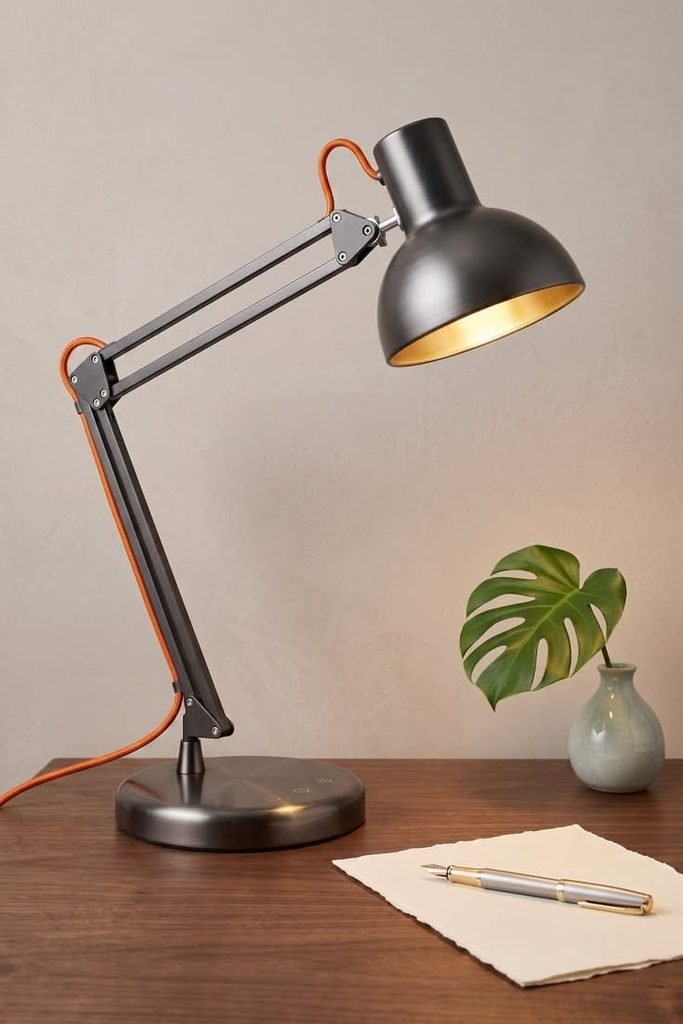
Good light matters for comfort and for video calls. Place your desk so natural light comes from the side rather than directly behind your screen, which causes glare, or directly behind you, which can shadow your work.
Add a task lamp with an adjustable arm, and use a warm or neutral white bulb that doesn’t feel harsh.
For video calls, face a window or place a lamp slightly in front of you, off to one side, so your face is lit evenly. Avoid sitting with a bright window right behind you, since that turns you into a silhouette on screen.
Pro tip: A cheap clip-on or ring light costs about $15-25 and can fix a dim corner. Test it on a practice call before an important meeting.
7. Tame the Cables Early
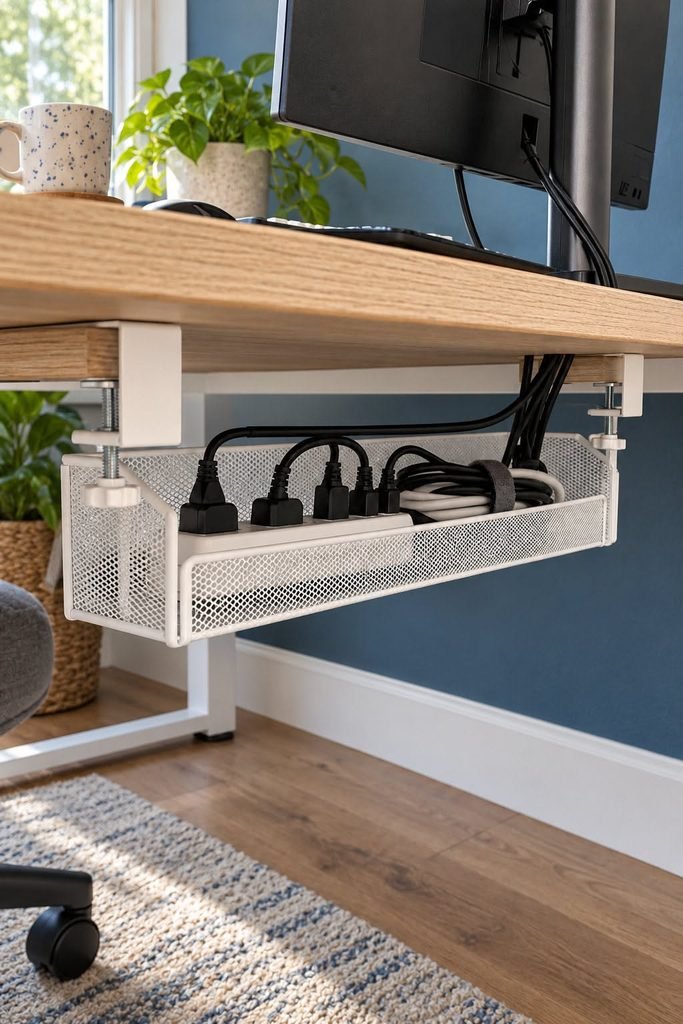
Cables turn a tidy corner into a mess within a week. Use cable clips along the desk edge, a cable tray under the desk, or simple velcro ties to bundle cords together.
A power strip mounted to the back of the desk keeps plugs off the floor and makes it easy to switch everything off at once.
It’s a small detail, but in a small apartment, visible cords make the whole area feel cluttered. Neat cables also make it easier to pack up the setup if your office doubles as another room.
8. Add Storage That Hides the Work at Day’s End
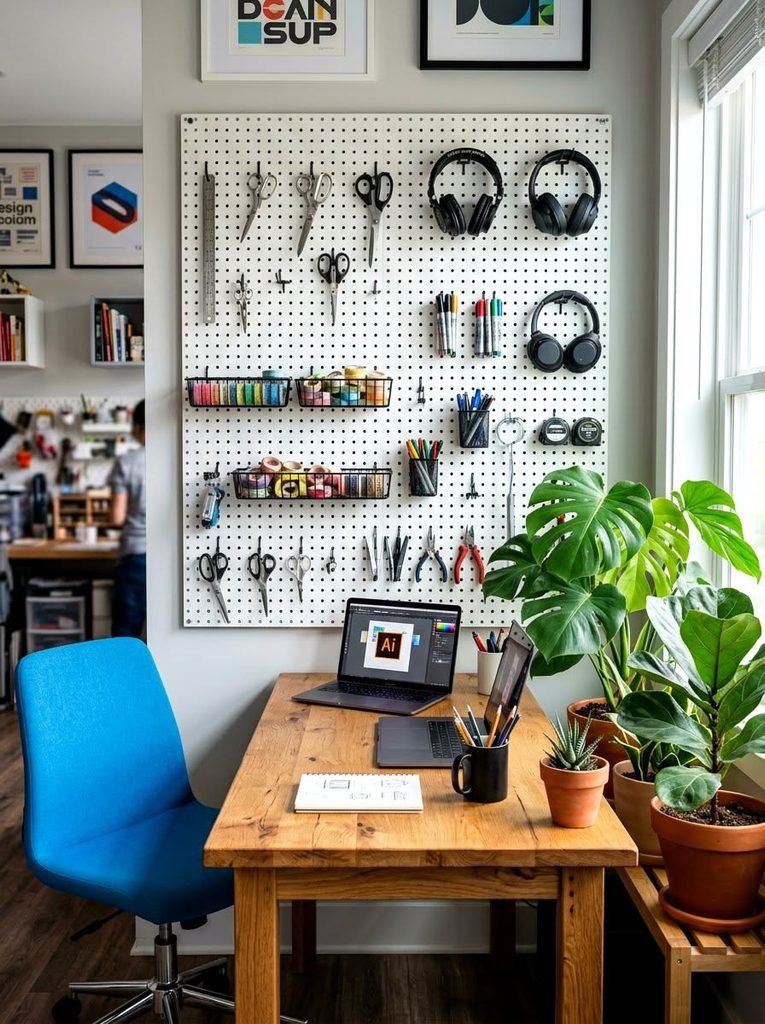
Closed storage is the secret to a home office that doesn’t take over your life. A lidded box, a cabinet with doors, or a basket on a shelf lets you clear the desk in thirty seconds. Wall-mounted shelves and a pegboard keep supplies off the surface without using floor space.
Take advantage of height too. A narrow shelf above the desk holds files and books, and my guide on how to maximize vertical space in a small apartment goes through safe ways to mount storage without drilling into everything.
9. Handle Noise So You Can Focus
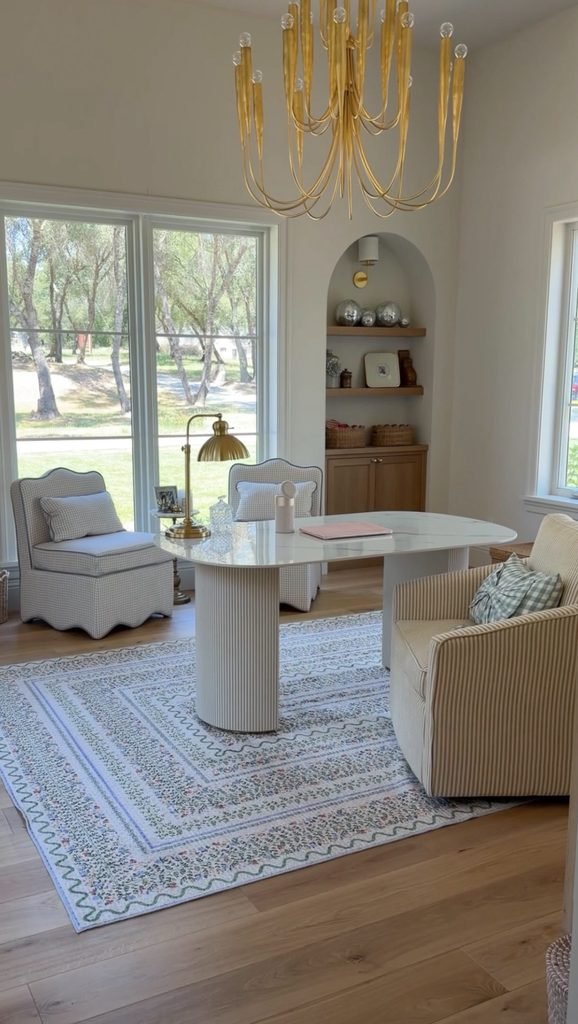
Small apartments are noisy: neighbors, traffic, a roommate, the fridge. A rug under the desk, heavy curtains, and a bookshelf on a shared wall absorb some sound.
Noise-canceling headphones are one of the best investments for open layouts, and white noise or soft instrumental music masks sudden distractions.
If you take calls, think about where your voice goes. Facing a wall with soft materials, such as fabric panels or a thick bookshelf, reduces echo and makes you sound clearer.
10. Build a Video Call Backdrop You Don’t Mind Showing
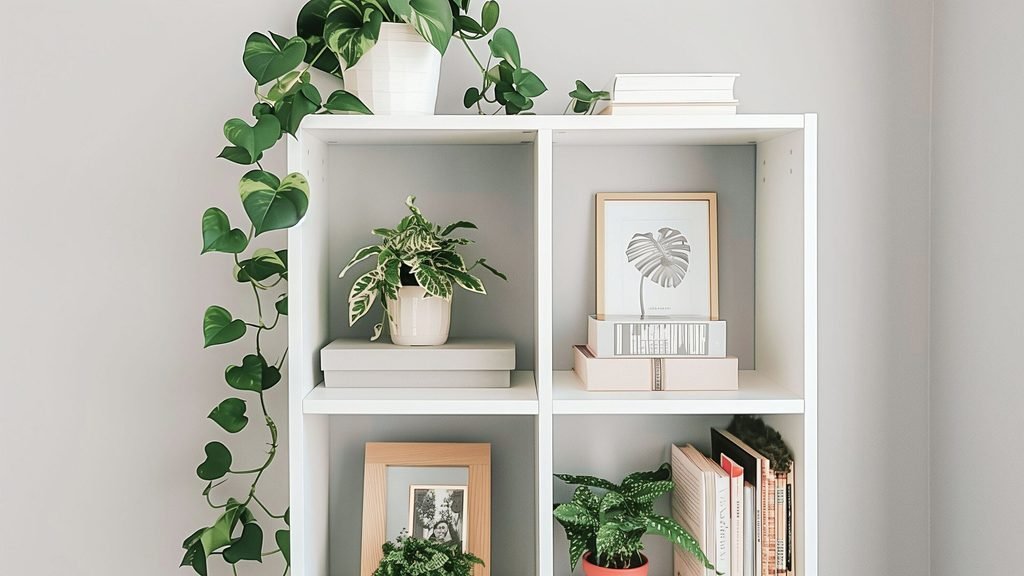
You don’t need a perfect set, just a background that isn’t distracting. A neutral wall, a plant, a bookshelf with tidy items, or a piece of art works well.
Make sure nothing embarrassing or messy sits behind you, like an unmade bed or a laundry pile.
If your only spot faces a bed or a mess, a folding screen or a simple fabric panel behind your chair solves it for around $30-60. I use a plain linen curtain on a tension rod, and it doubles as a visual divider the rest of the day.
11. Create a Boundary Between Work and Rest
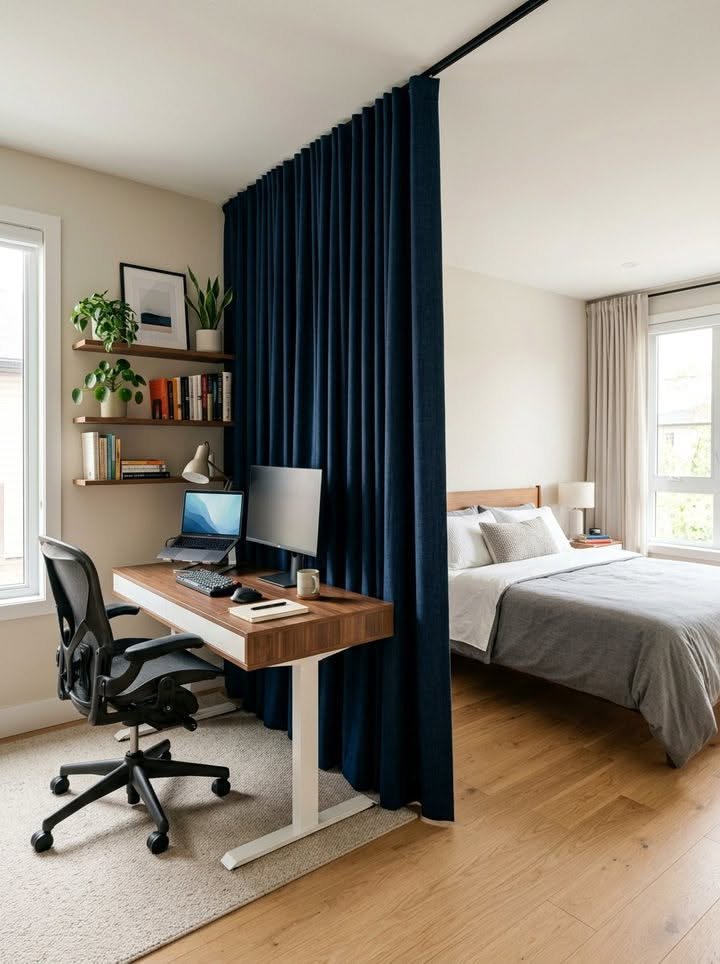
This is the part most guides skip, and it’s the one that saved my evenings. When your office is also your living room or bedroom, you need a physical signal that work is over.
Close the laptop, cover the desk with a cloth, fold up the wall desk, or shut the closet door, and turn off the work lamp.
Keep work items in one place and bring nothing from the desk to the couch. A short shutdown ritual, like writing tomorrow’s top three tasks and closing the lid, helps your brain switch off. It sounds small, but it works.
12. Consider a Closet Office
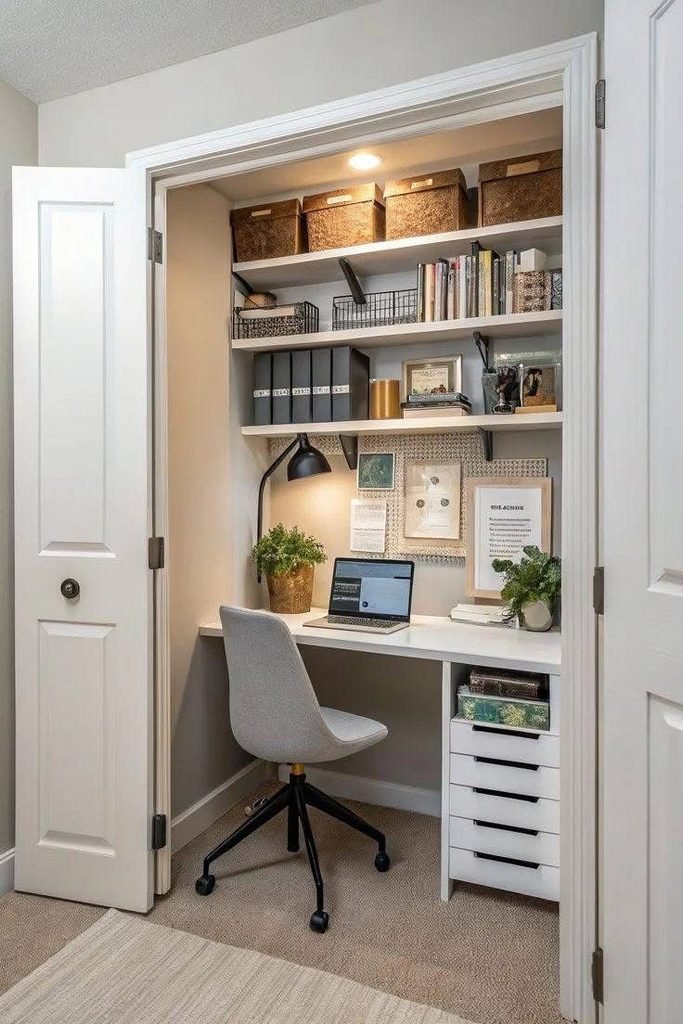
If you have a reach-in or small walk-in closet with space to spare, it can become a surprisingly good office. Remove the rod, add a narrow desk or a shelf at desk height, a small chair or stool, and a light. When you’re done, close the door and the work disappears.
Make sure there’s ventilation and good lighting, and don’t overheat the space with equipment. This works best for laptop work and shorter sessions, since a closet can feel cramped for a long day.
13. Make the Space Feel Good So You’ll Actually Use It
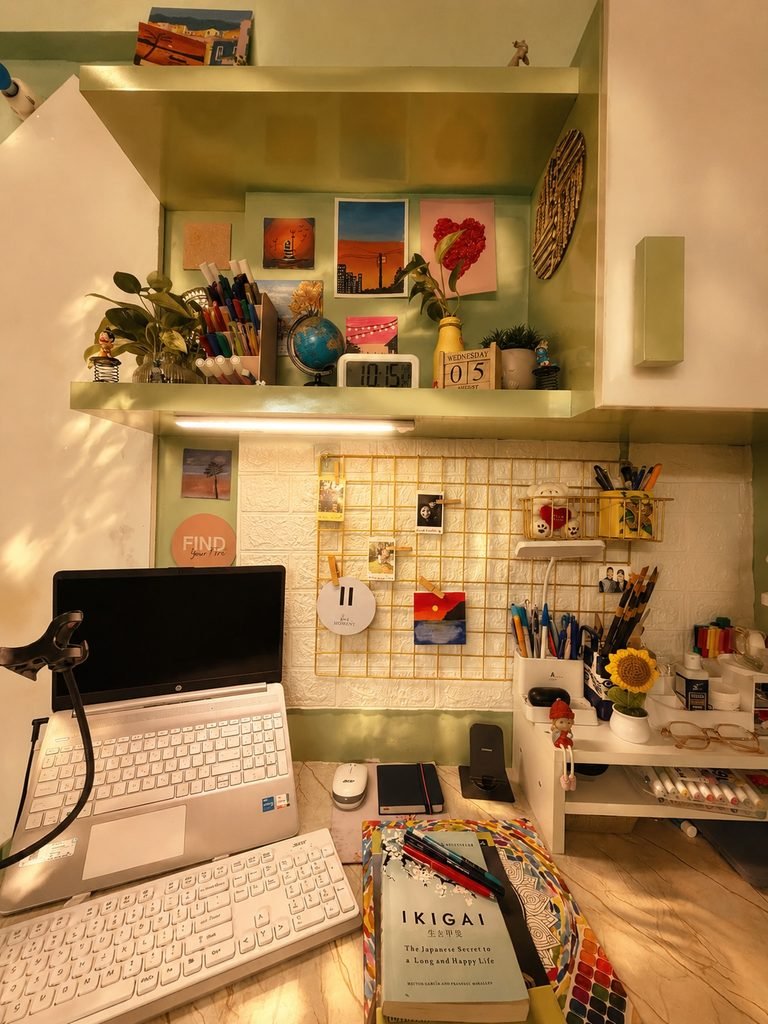
Once the basics are in place, add a few things that make the corner pleasant: a small plant, a framed print, a warm lamp, a comfortable rug, or a mug tray.
These touches turn a utility area into somewhere you want to be. Keep it simple, since too much decor on a small desk becomes clutter.
For ideas on keeping a tight space feeling open and cohesive, see make a small apartment feel bigger, and for current looks that suit small rooms, my roundup of small apartment decor trends has plenty of ideas.
14. Work Out a Plan If Two People Share the Space
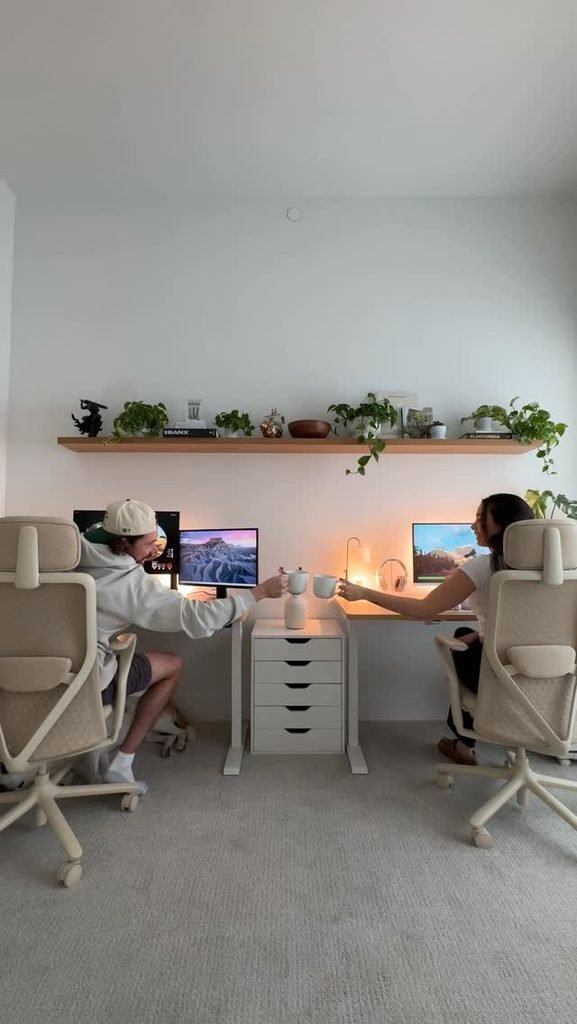
If you and a partner or roommate both work from home, you’ll need to share zones carefully. Place desks facing different directions or on opposite sides of the room, use headphones, and agree on call times in advance.
A shared long desk with two chairs can work if you each have your own storage and cable setup.
Choosing a layout that suits two workers is a bigger decision, and it overlaps with the questions in my studio vs one-bedroom apartment comparison, particularly around privacy and noise.
15. Keep It Renter-Friendly and Easy to Change
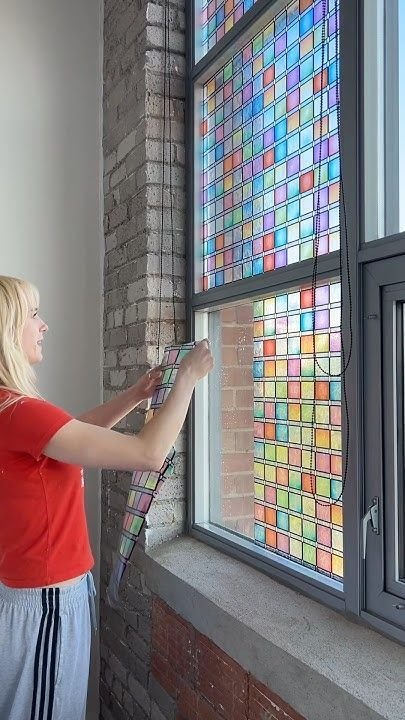
Use freestanding furniture, tension rods, removable hooks, and over-the-door organizers so you can undo everything when you move.
Check the weight ratings on any adhesive hooks or shelves, and test them in a hidden spot first. A flexible setup also lets you rearrange as your work changes, which it usually does.
If you’re furnishing from scratch, my guide to furnishing a small apartment on a budget covers where to save and where to spend, including secondhand desks and chairs.
Rough Budget Tiers for a Small Home Office
| Tier | Rough Total | What You Get |
|---|---|---|
| Minimal | $60-150 | Laptop stand, separate keyboard and mouse, task lamp, cable clips, using an existing table |
| Comfortable | $200-450 | Compact desk, decent used or new chair, lamp, storage basket, small rug |
| Polished | $500-1,000 | Quality desk, ergonomic chair, monitor, shelving, lighting, decor and a screen or backdrop |
These are rough numbers and will vary by city and how much you buy used, so treat them as a way to plan, not a rule.
16. Avoid the Mistakes That Make a Small Office Frustrating
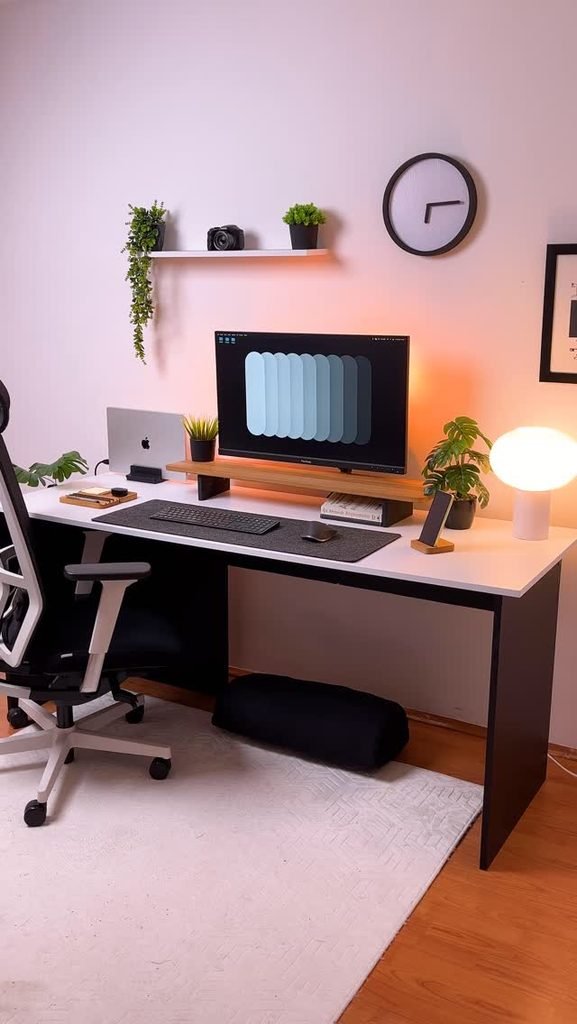
The biggest mistakes I see are buying a desk that’s too big, ignoring the chair, placing the desk with a bright window behind the screen, leaving cables everywhere, and putting the office right next to the bed with no separation.
Another common one is treating the setup as permanent. Try it for a couple of weeks and adjust before spending more.
If your whole place feels cramped, it may help to rethink the layout first, and my studio apartment layout ideas and small living room ideas posts both go into arrangements that leave space for a work area.
If I Were Starting My Home Office Over
I’d start with the chair, a laptop stand, and a lamp, and I’d put the whole setup in the corner with the best natural light. That’s about $150-250 depending on how much I bought used, and it would solve most of my back and focus problems. I’d skip the big desk entirely until I knew I needed it.
Creating a home office in a small apartment isn’t about having a dedicated room, it’s about having a dedicated spot and a way to close it down.
Once you have that, work stays where it belongs and the rest of your home gets to be a home again. If you decorate with the seasons, my fall apartment decor ideas and small apartment Christmas decor posts have easy swaps that don’t clutter a work area.
FAQs
How can I set up a home office in a studio apartment?
Choose a corner with good light, use a compact or fold-down desk, and separate it from your bed with a bookshelf, curtain, or screen. Close down the setup at the end of the day so work doesn’t dominate your living space.
What is the best desk for a small apartment?
A narrow console desk, a corner desk, a fold-down wall desk, or a secretary desk usually works best. Choose based on how much equipment you use and how much floor space you can spare.
How much does it cost to create a home office in a small space?
A basic setup can cost roughly $60-150 if you use what you own, while a more complete setup often runs $200-450. Buying a used chair and desk can lower the cost significantly.
How do I separate work and home life in a small apartment?
Use a physical signal to end the day, like closing a laptop, covering the desk, folding a wall desk, or shutting a closet door. Keeping work items in one place and having a shutdown routine also helps.
Can I turn a closet into a home office?
Yes, if there’s enough space and ventilation. Remove the rod, add a narrow desk and a light, and use a small chair or stool. It works best for laptop-based work and shorter sessions.
How do I reduce noise when working from a small apartment?
Use rugs, heavy curtains, and bookshelves to absorb sound, and wear noise-canceling headphones. White noise or soft music can mask sudden sounds from neighbors or street traffic.










Leave a Reply