
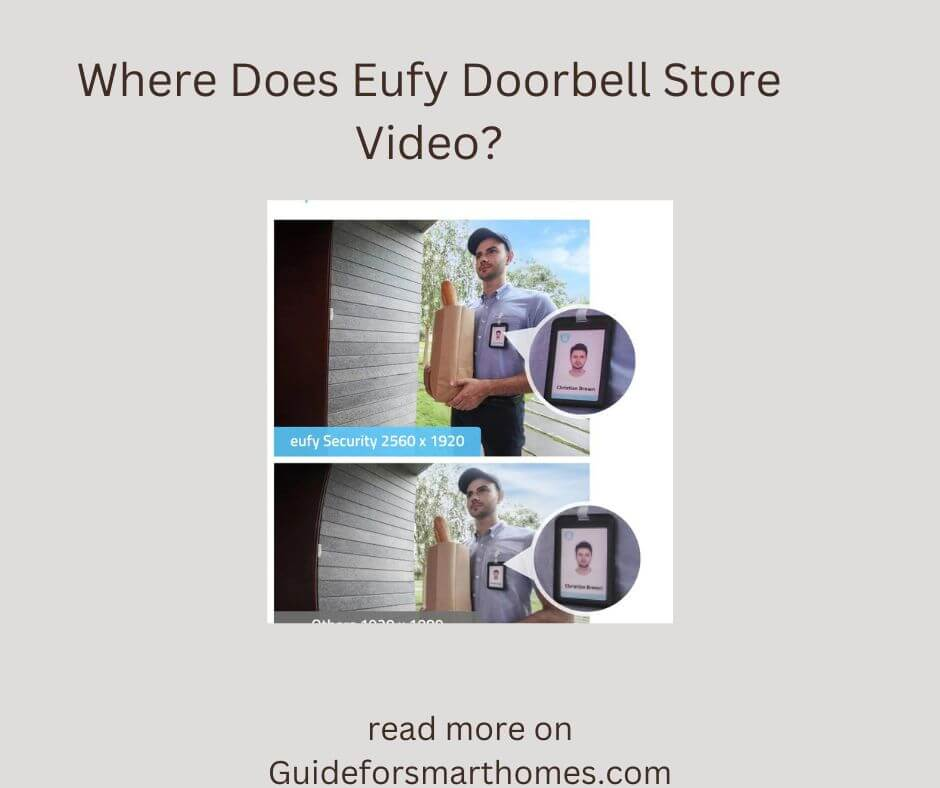
The Eufy doorbell is one of the best you can get. This doorbell has many features that improve your home’s security. There are features like alarms, sensors, video recordings, and a lot more on this doorbell. Little wonder many households use this doorbell
People often wonder when the Eufy doorbell saves its video recordings. Some believe this doorbell saves its recordings in its Homebase. Others believe the recordings are saved on the device itself. In this article, we will discuss the storage location for the Eufy doorbell videos and a lot more.
Where Do the Eufy Doorbell Store Videos?

Although there are a lot of misconceptions about the Eufy doorbell and where it stores its storage, you must know that the doorbell doesn’t store videos on its device. There isn’t any storage capacity or memory chip in the doorbell. You should also know that the videos are not stored on any external cloud storage or third-party software. The videos are kept as private and confidential as possible.
The doorbell stores its videos in the Homebase. The videos are stored here to guarantee maximum security and privacy. The likelihood of unauthorized access is reduced.
There have been cases where people tried to steal doorbells hung on the wall. This is one of the reasons why the doorbell video storage is in the Homebase. The Homebase is practically unhackable. The Homebase of the Eufy doorbell is usually kept indoors, reducing the risk of being destroyed or vandalized.
What Is the Memory Capacity for the Eufy Doorbell?

As stated earlier, the Eufy doorbell doesn’t store videos on the doorbell itself; it stores videos on its Homebase, which is kept inside the house. However, there is a limit to the number of videos it can store. The type of doorbell you use determines the amount or level of storage capacity that will be at your disposal.
If you are using a wired doorbell, you must know that you will only enjoy 4gig of internal storage. You do not need to worry about this storage capacity being small as this 4gig is expected to last for around 30 days. Depending on the usage level, your doorbell video storage shouldn’t be full for at least one month.
However, there is a good chance your storage might get full if other devices connect to your Homebase; that means your Homebase can get full quickly if you have the doorbell and the Eufy camera connected.
You can easily subscribe to cloud storage to solve this problem. Before you do, you must know that you cannot subscribe to any 3rd party cloud storage. You can only subscribe to the Eufy cloud storage. With this, you can store videos for longer than 30 days.
On the other hand, the storage capacity for the wireless doorbell is much more. While the wired doorbell has just a four gig storage capacity, the wireless doorbell has a whooping storage capacity of 16gig. That should be enough to keep your recording for as long as 180 days. It might be much lesser if your doorbell keeps recording all day and night.
How Much is Eufy Cloud Storage?

The Eufy cloud storage comes in different plans and pricing. The basic plan costs around $3 a month or around $30 a year. This plan offers 30 days of rolling storage but with limited cameras.
The premium plan also costs around $10 a month or $100 a year. With this plan, you can enjoy 30 days of rolling storage for up to a year. This plan can accommodate as many as ten cameras or doorbells.
Any Alternative Storage?
Although this option isn’t very popular, you can download the video recordings on your phone or pc. Doing this allows you to save the videos for as long as you desire. There is no limit to the number of videos you can download as long as there is enough space on your computer. We are going to discuss how to access and download these videos below.
What Is the Best Method to Access my Recordings on the Eufy Doorbell?

There is only one method to view your Eufy doorbell video footage: the app. here is a guide on accessing your doorbell recordings through the app.
- Launch the App
To access the live feeds and events from the Eufy doorbell, you first need to launch the app. When you launch the app, you will see a live feed from the doorbell camera. The live feed will show you what the doorbell is covering.
You will also be able to gauge other things, such as the wifi connections and the battery percentage from your phone’s screen when you launch the app. You will see the notification options, the events options, and the settings option on the screen of your camera.
- Click on the Event Option to View Recordings.
You must click on the event section if you want to view recordings from the Eufy doorbell. You will get access to viewing all the happenings that triggered the video recordings of the doorbell.
Most people set their doorbell to make video recordings when a human comes within range. With these settings, your doorbell will record anyone that comes to your door. All you need to do is click on the event section and watch the recording. After watching, you can download the video to your local storage or delete the video from your event history. You can also donate the footage to Eufy to help boost their algorithms.
Can I Recover Deleted Eufy Doorbell Videos?

Once a video is deleted from the Eufy app, you cannot access the video anymore. You can only recover the video if you have already downloaded the video to your phone or computer.
You should also know that if the Eufy Homebase is full, your older videos will be deleted to store new videos. When this happens, you cannot access the older videos anymore. This is why it is advisable to subscribe to cloud storage, as you get to save videos or events without worrying about the storage getting full.
Conclusion
The Eufy doorbell doesn’t store its videos on itself; it stores them in the Homebase. This Homebase can accommodate as much as 4gig to 16gig of storage depending on the type of doorbell you use.
The only way to access the recordings and events is through the app. We have discussed the methods you can use to access the videos. We have also discussed other relevant information, such as deleting the videos and the amount of storage capacity the Eufy doorbell has. Read through to get the in-depth knowledge you need.










Leave a Reply