
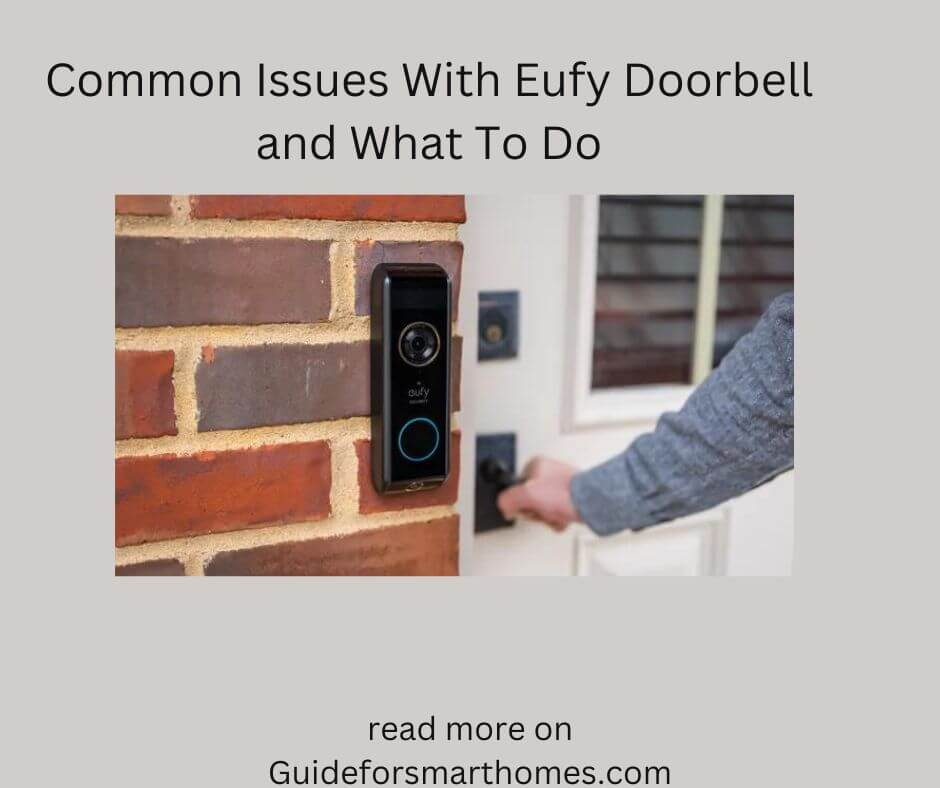
Although the Eufy doorbell is one of the best smart home devices you can get, you must know that it is liable to develop faults like other regular smart home devices.
People have often complained about their Eufy doorbells developing issues whenever they set up or try to use them. We will discuss the problems with the Eufy doorbell and a lot more below.
Common Issues With Eufy Doorbell (Problems)

You might have different issues or challenges when using the Eufy doorbell. Here is a list of the possible problems and their causes below.
1. Doorbell Doesn’t Ring
There are a couple of reasons why your Eufy doorbell doesn’t ring whenever you try t operate it. One of the most popular reasons is the power button. If the doorbell or chime isn’t connected to power, your doorbell will not ring, no matter how much effort you put into getting it to ring.
Besides power problems, your Eufy doorbell doesn’t ring because of the notification or alert settings. If you set it to no notifications or sounds, your doorbell will not ring, no matter who tries to ring it. The alert or notification settings are one thing many people often overlook.
2. Eufy Keeps Disconnecting or Going Offline
Another prevalent issue people have with their Eufy doorbells is the problem of their doorbells going offline. There are times when your Eufy doorbell might just randomly go offline. If no power is connected to your Eufy doorbell, your doorbell will go offline.
Your doorbell could also go offline because of a bad wire connection. Some people do a wrong installation or bad wiring when connecting their Eufy doorbell. If your wifi signal is down, your Eufy doorbell will go offline.
3. Eufy Doorbell not Connecting to Wifi
There are times when your Eufy doorbell might not connect to wifi. Your doorbell not connecting to Wi-Fi can be for a host of reasons. One such reason is the wifi frequency you use. There is a specific frequency or signal that most wireless doorbell operates. If your wifi isn’t running on that frequency, your doorbell will not connect.
You must also know that your doorbell will not connect if your phone hotspot is off. If you want the doorbell to work smoothly, your phone hotspot must be on. Also, check your wifi encryption when pairing your doorbell with your phone.
4. Eufy Doorbell Keep Showing a Red Light
Another way to know that you are having issues with our Eufy doorbell is the led light. If your doorbell keeps showing red, you must understand that your doorbell is having a voltage problem.
If the voltage to your doorbell is low, the red led light on the doorbell will keep showing. Different things can cause a low voltage to your doorbell. A bad fuse or a broken circuit can cause a low voltage to your doorbell.
5. Eufy Doorbell won’t Detect Motion
One of the primary reasons why your Eufy doorbell isn’t detecting motion is because of the signal range or activity zone. If the activity zone is too short, our doorbell will not detect motion outside the activity zone.
Apart from the activity zone, another thing that can make your doorbell not detect motion is the signal or sensitivity settings. If the sensitivity settings are low, your doorbell will not detect motion except the person is standing right in front of your door.
Solutions to Eufy Doorbell Problems

There are different methods you can use to solve the Eufy doorbell problems. Here is a list of solutions you can adopt.
1. Check the Notification Settings and Power
This is the first thing you should do if you want to fix the problem of your doorbell not ringing. You need to check the notification or alert settings of your Eufy device. You can only check this through the app. Go to the app and adjust the notification settings to fix this problem.
Apart from the notification settings, another thing you can do to fix this problem is to check the power settings. You must take your time to check if the wiring is done correctly. You should also check the circuits to ensure power in your doorbell.
2. Ensure a Good Internet Connection
If your internet connection isn’t good, there is a good chance your doorbell will not connect to Wi-Fi. You should take your time to check your internet connection or router. Ensure your internet connection is as good as possible.
Apart from your internet connection, your doorbell can also go offline because of power issues. Whenever your doorbell goes offline or disconnects, check the power or chime. Once you do this, the problem of your Eufy doorbell going offline should be solved.
3. Check your Wifi Frequency
The first thing you should do if you are looking to fix the problem of your Eufy doorbell not connecting to wifi is to check the wifi frequency and signals. If your Wi-Fi frequency isn’t set to 2.4GHz, your doorbell will not connect to Wi-Fi.
Set your wifi to 2.4GHz if your doorbell isn’t connecting to wifi. Apart from setting it to 2.4GHz, you can also reboot the doorbell, as a simple reboot or power cycle should be enough to solve this problem.
4. Check your Furnace and Wiring
Your furnace and wiring are among the popular reasons your doorbell displays a red led light. If there is bad wiring in your home, it might affect your Eufy doorbell. Besides the writing, your doorbell will also be affected if you use old wires and insulations.
An imbalance in the wire distribution and an overload in your home can also cause a low voltage to your doorbell. If the led light keeps showing red, take your time to disconnect major appliances in the house. You should call an electrician to fix the wires if disconnecting the appliances doesn’t work.
5. Adjust the Activity and Signal Settings
You should take your time to make adjustments to the activity zone once you notice the doorbell isn’t detecting motion. Log into the app and make the necessary adjustments to your activity zone.
Apart from making adjustments to your activity zone, you should also adjust the sensitivity settings of the Eufy doorbell. Increase the sensitivity settings to some extent and ensure a balance between the activity and the sensitivity settings.
How Long Does Eufy Doorbell Last?

The Eufy doorbell can last as long as 180 days with a single full charge. If you charge your doorbell batteries fully, you can use them for over 3 to 5 months, depending on the features you enable on the doorbell.
The Eufy doorbell batteries are among the longest-serving smart home batteries you will find on the internet today. These batteries are also replaceable, as you can order them directly from Eufy.
Is Eufy a Good Video Doorbell?

Yes. the Eufy doorbell is one of the best security doorbells you can get for your home. This doorbell has a host of features, from video coverage to motion sensors and a lot more. You can also control notifications and alerts on this doorbell.
It is relatively easy to install the Eufy doorbell. You should also know that these doorbells are relatively affordable and easy to use.
Conclusion
There are different issues or problems you might face when using the Eufy doorbell, these problems range from the doorbell not responding to the doorbell not connecting to wifi, and more have been discussed in this article.
We have also discussed the possible solutions you can adopt to solve the issues listed and discussed in this article. Simply read through to get all the relevant information you need.










Leave a Reply